How to Retrieve refId for User Profile
This page details how to retrieve the refId for a user profile.
Background
During user profile creation, you will receive four fields in the response:
{
    "status": "success",
    "title": "Digg It",
    "refId": "140b8709bd6ade099b242d895e268fb886130c53",
    "profileKey": "7TVRLEZ-24A43C0-NJW0Z82-F11984N"
}
It is important to securely store both the refId and profileKey in your
system. The profileKey is used to make API requests for a specific user
profile while the refId is how ACME refers to that user profile during API
calls.
RefId Retrieval
There are a couple ways to retrieve the refId for your user profiles.
-
Use the Get User Profiles endpoint to get all user profiles associated with the primary profile. Filter through each returned profile to find the
refIdassociated with the title provided during user profile creation. (Note: TheprofileKeyfor each user profile is not returned from this endpoint, so you can't associate therefIdagainst an existingprofileKey). -
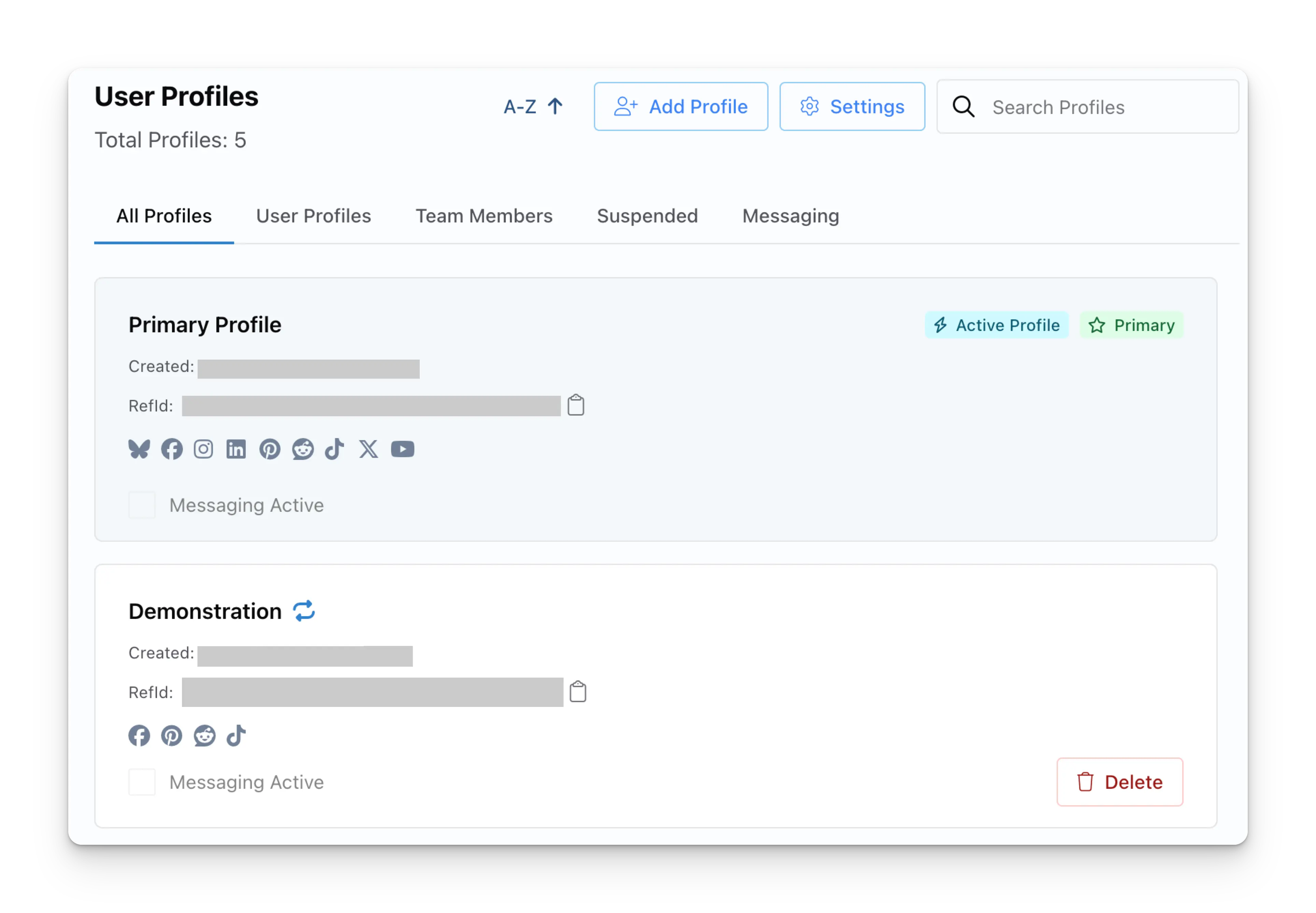
Navigate to the User Profiles page in the ACME dashboard. Scroll through or search for the relevant user profile. You'll be able to view the
refIdfor the user profile here.