
Facebook Linking
Authorizing Facebook with ACME
How to Link Facebook with ACME
Only Facebook Pages are supported. Facebook does not support Personal Facebook accounts.
Please be sure you are the admin of Facebook Page and grant all permissions to Pages and selections. Failure to do so might prevent successful posting.
Linking Facebook
Click the Facebook icon on the Social Accounts page.

A Facebook sign-in will pop-up - please be sure you allow pop-ups.
If you have already linked Facebook with ACME, skip ahead to step 4.
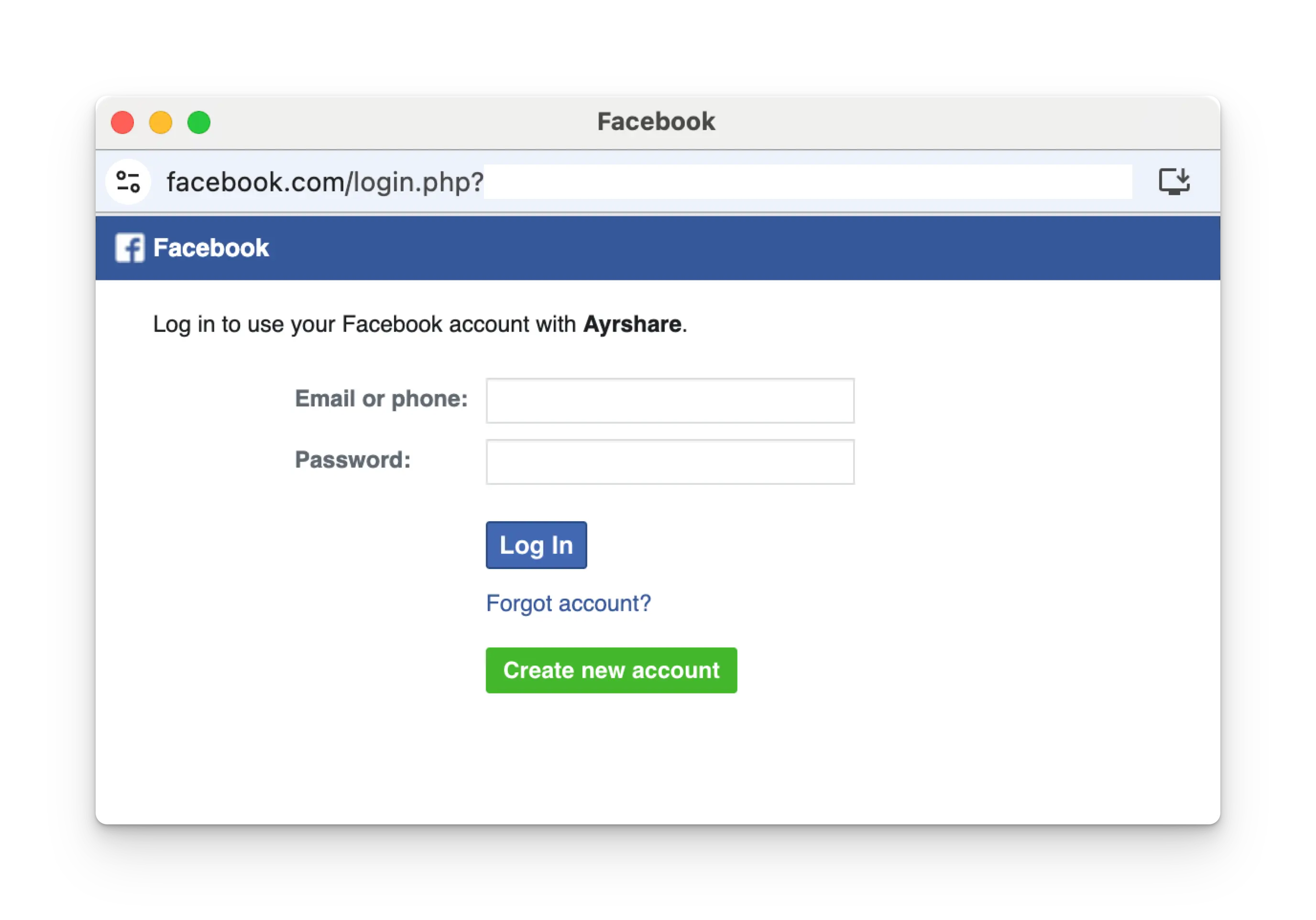
Follow the instructions and select a Facebook Page to link.
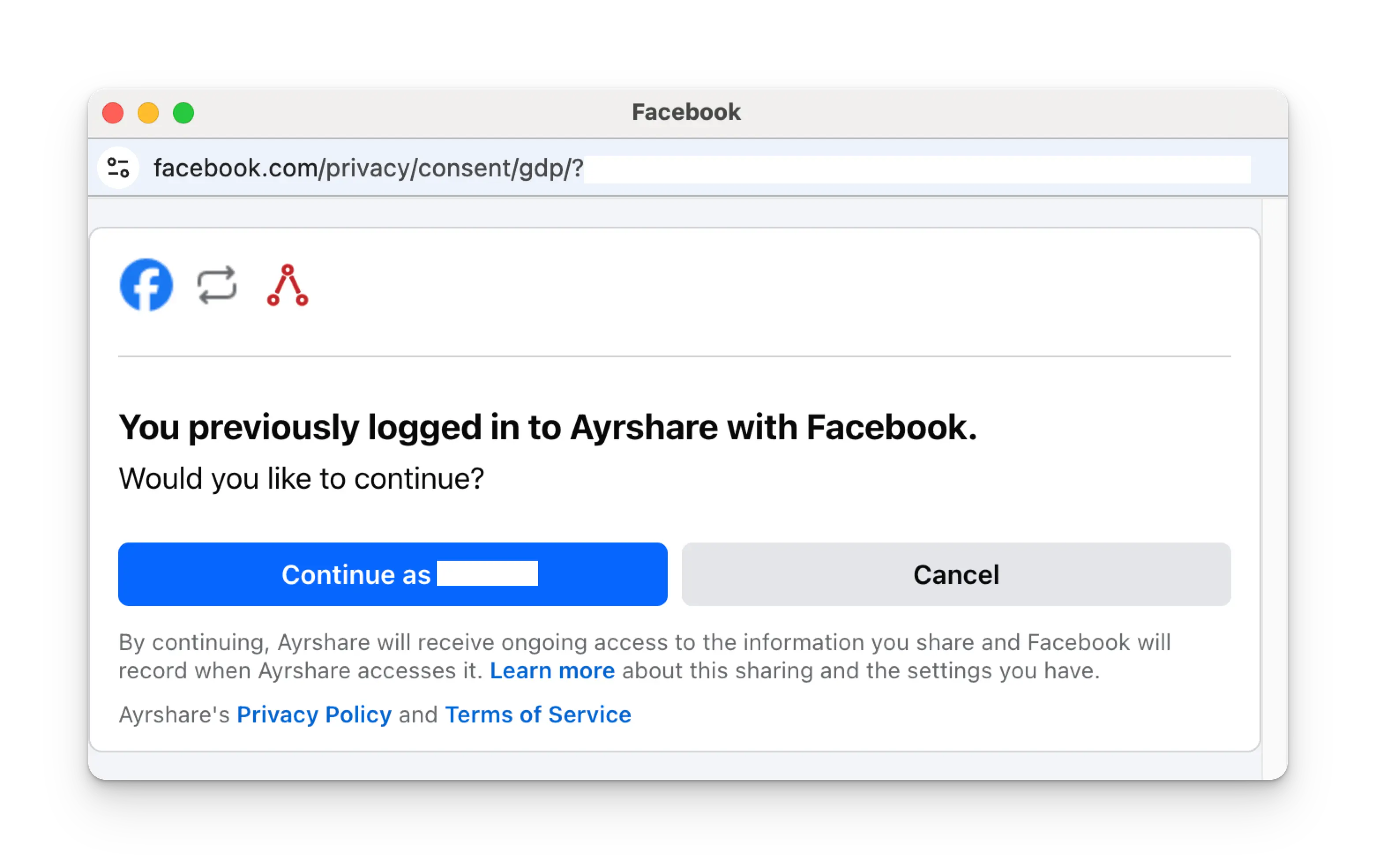
Click Continue as NAME on the login page.
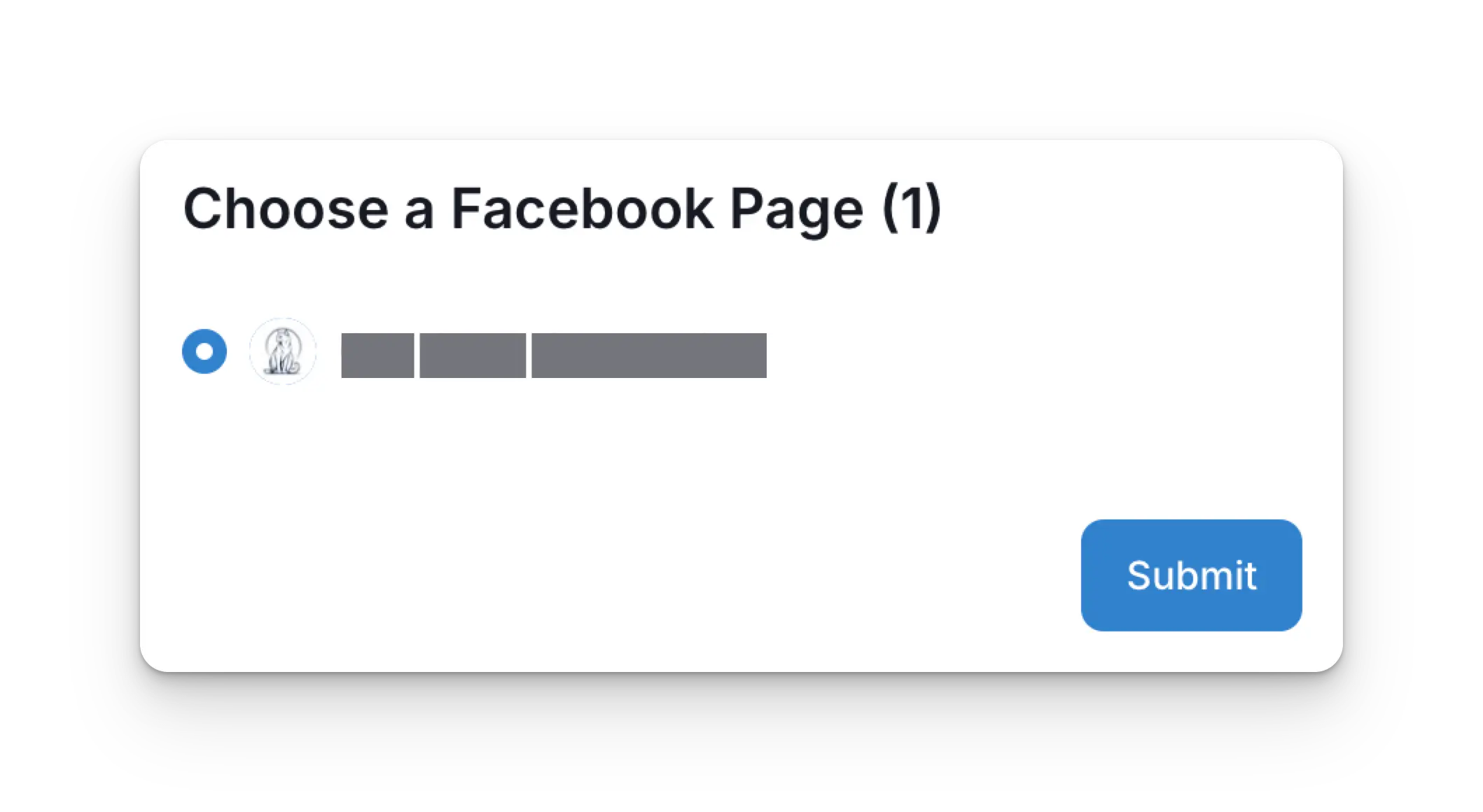
Once back at the ACME dashboard, choose a Facebook page to link and click Submit.
Your Social Accounts page will now be updated with your Facebook account.

Troubleshooting Facebook
If you're having issues with Facebook please see the troubleshooting guide.
Additional Facebook Information
- Please see here for details on posting to Facebook, getting analytics, managing comments, or retrieving history.
- For more information on recommended image sizes, please see: