
Threads Linking
Authorizing Threads with ACME
How to Link Threads with ACME
Authorizing Threads with ACME is simple. During the authentication process, you will be required to sign in with an Instagram account in order to leverage Threads's full capabilities. Please see the below steps for more information.
Authenticating Threads
On the Social Accounts page, click the Threads icon.

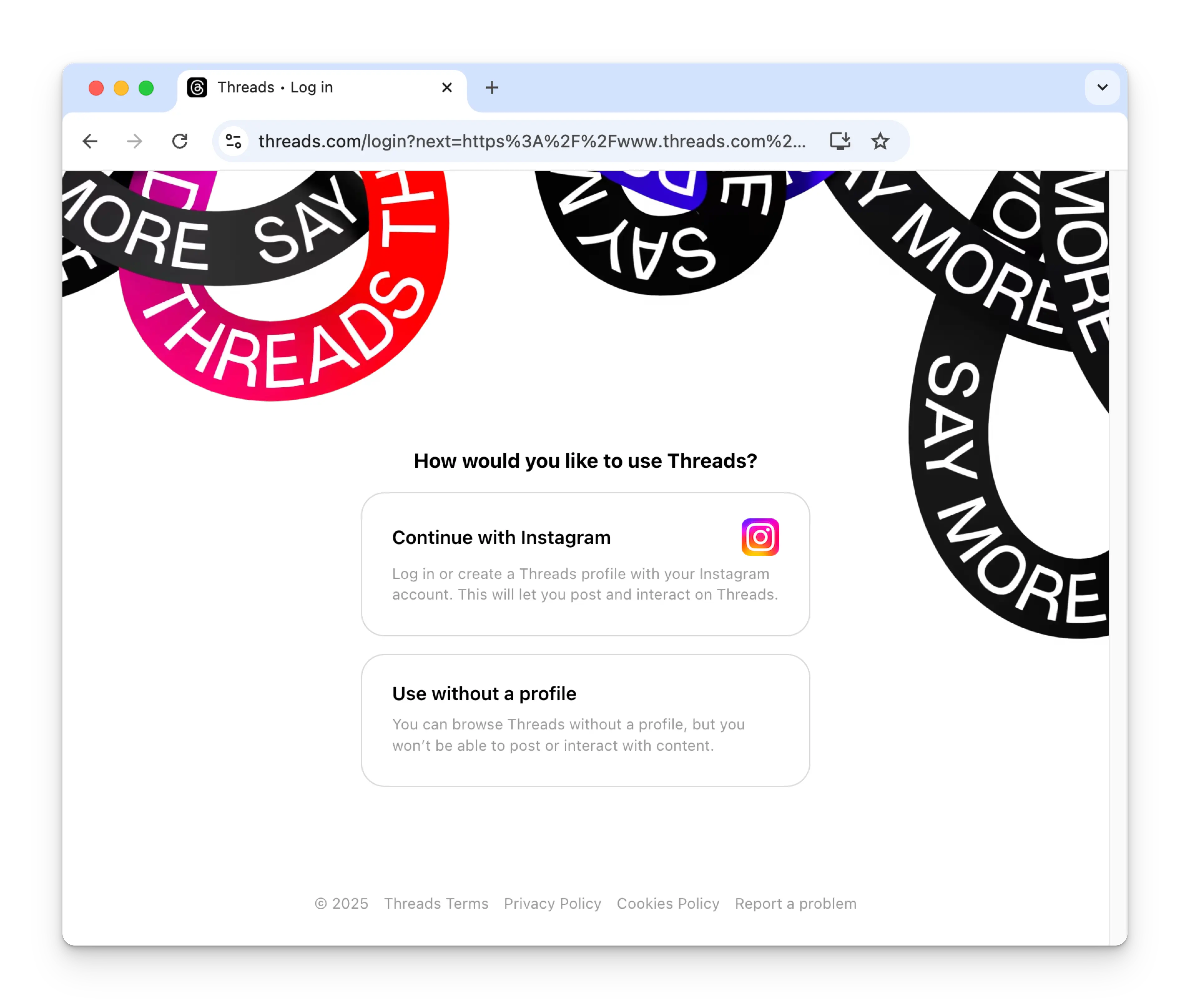
The first time you link Threads, you will be asked to authenticate with your Instagram account. An Instagram account is required in order to post to Threads.
If you have previously connected ACME with Threads and don't see this image, skip to step 4.
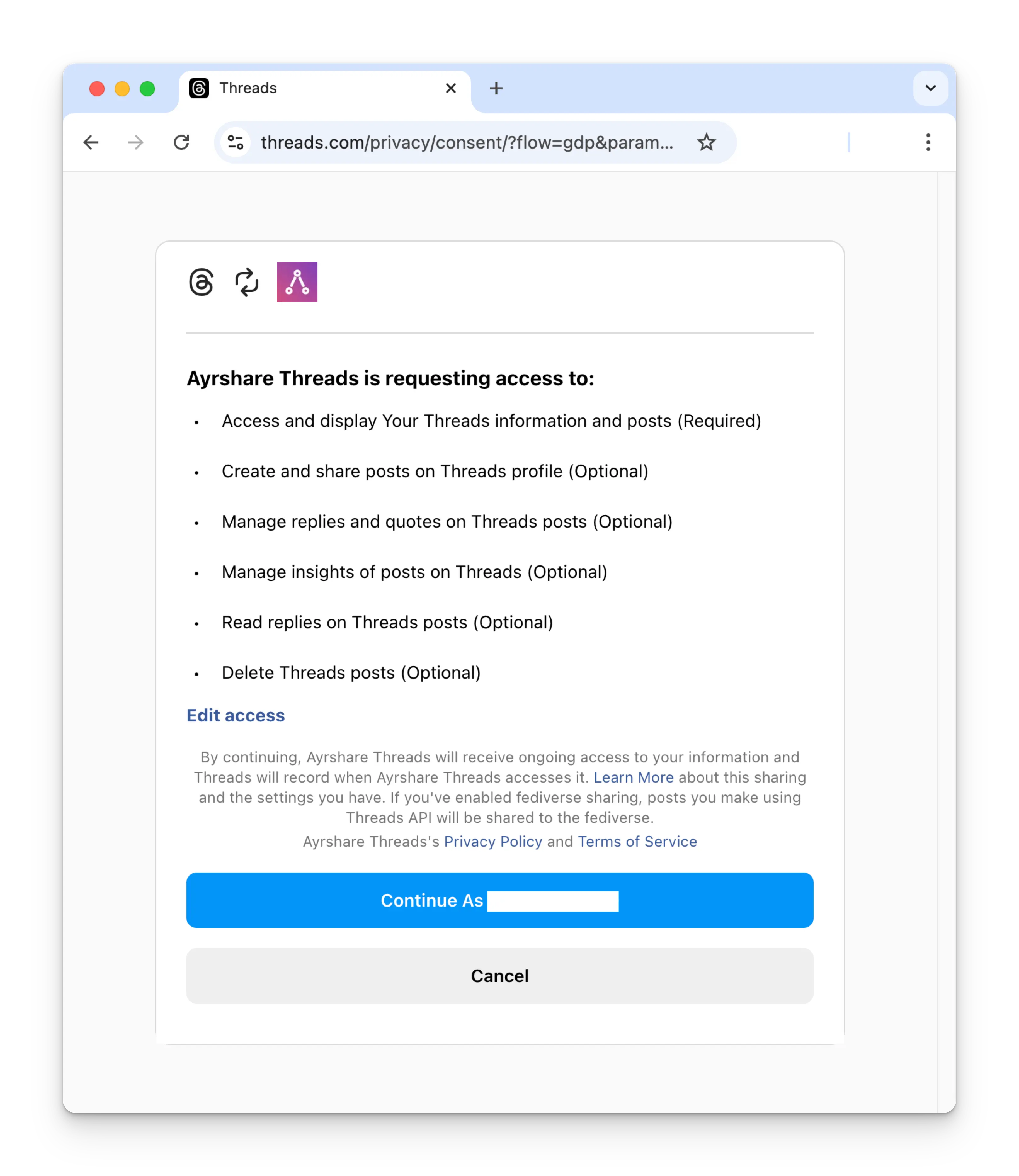
After login, you'll be required to grant ACME access to your Threads account. Please provide all requested permissions in order to continue. (If required permissions are not granted, you can re-enable them on the Website Permissions Page in your Threads settings)
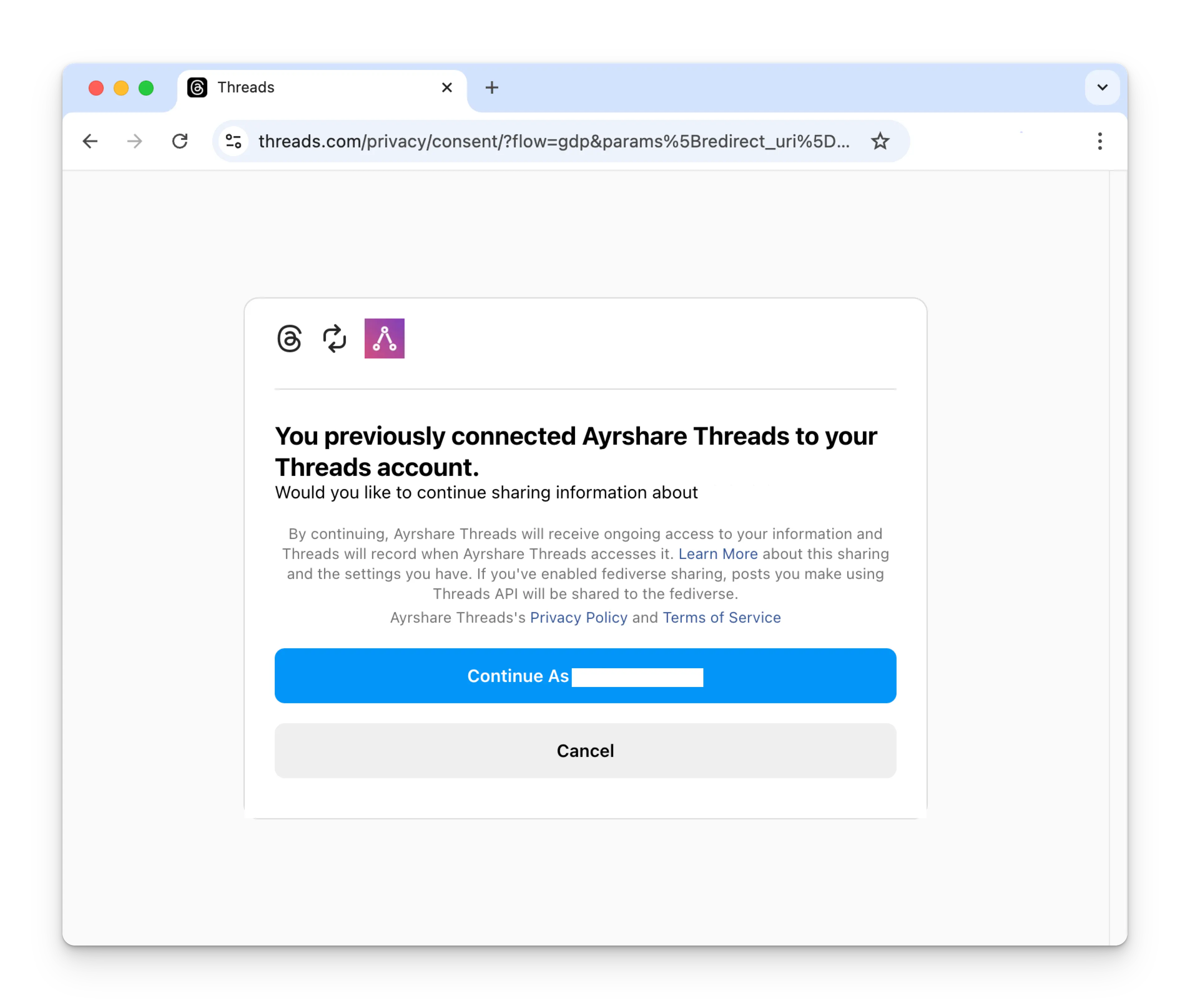
If you have previously connected ACME with Threads, please click the Continue button to relink your Threads account.
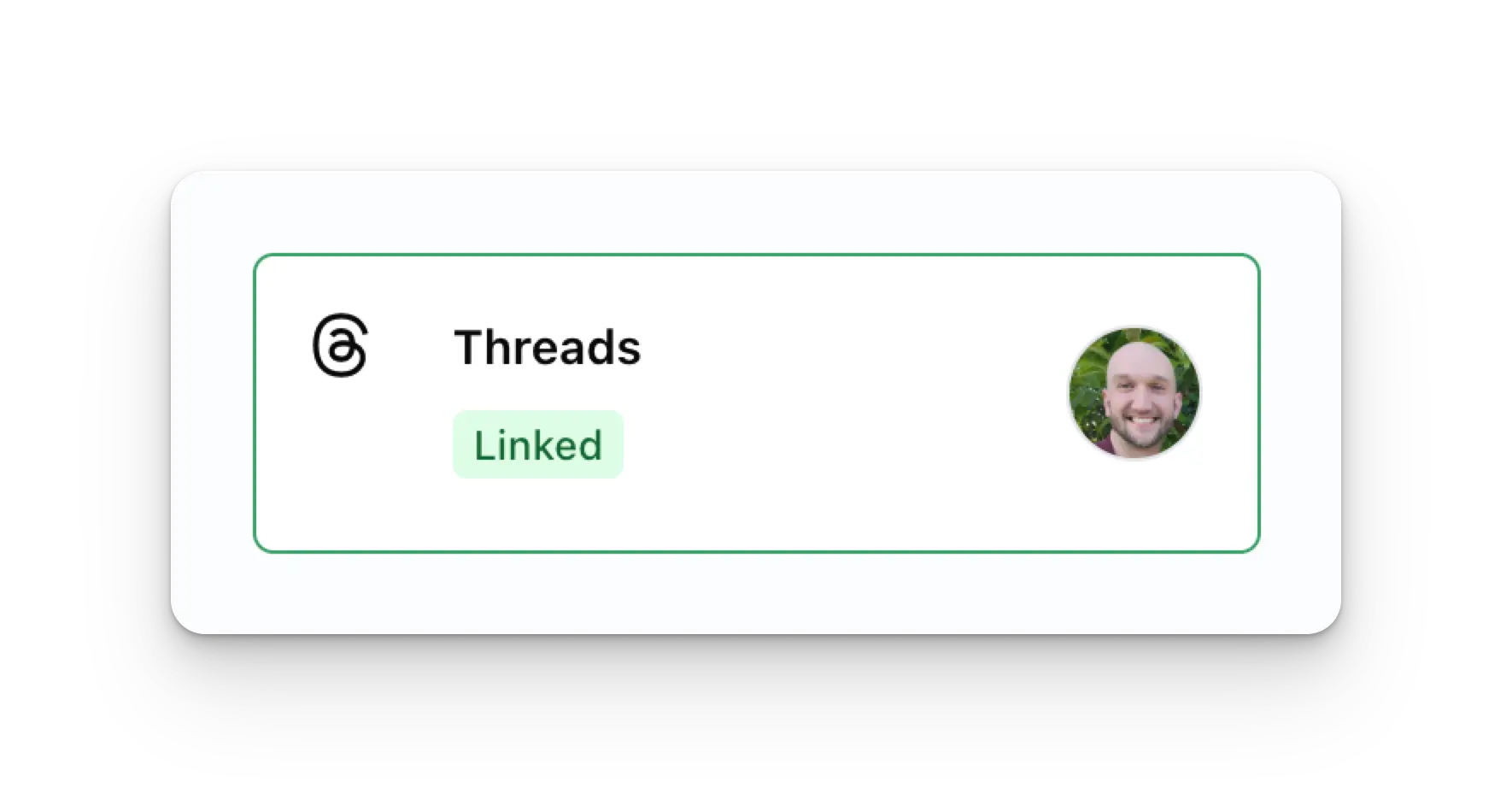
Your Social Accounts page will now be updated with your Threads account.
You can publish Threads posts, get Threads analytics, and manage Threads comments.
Additional Threads Information
- Please see here for details on posting to Threads, getting analytics, managing comments, or retrieving history.
- For more information on recommended image sizes, please see: