
TikTok Linking
Authorizing TikTok with ACME
How to Link TikTok with ACME
You can link either your TikTok personal or business account with ACME. When authorizing TikTok with ACME, you will be redirected to TikTok to login and authorize ACME to access your TikTok account.
Click the TikTok icon on the Social Accounts page.

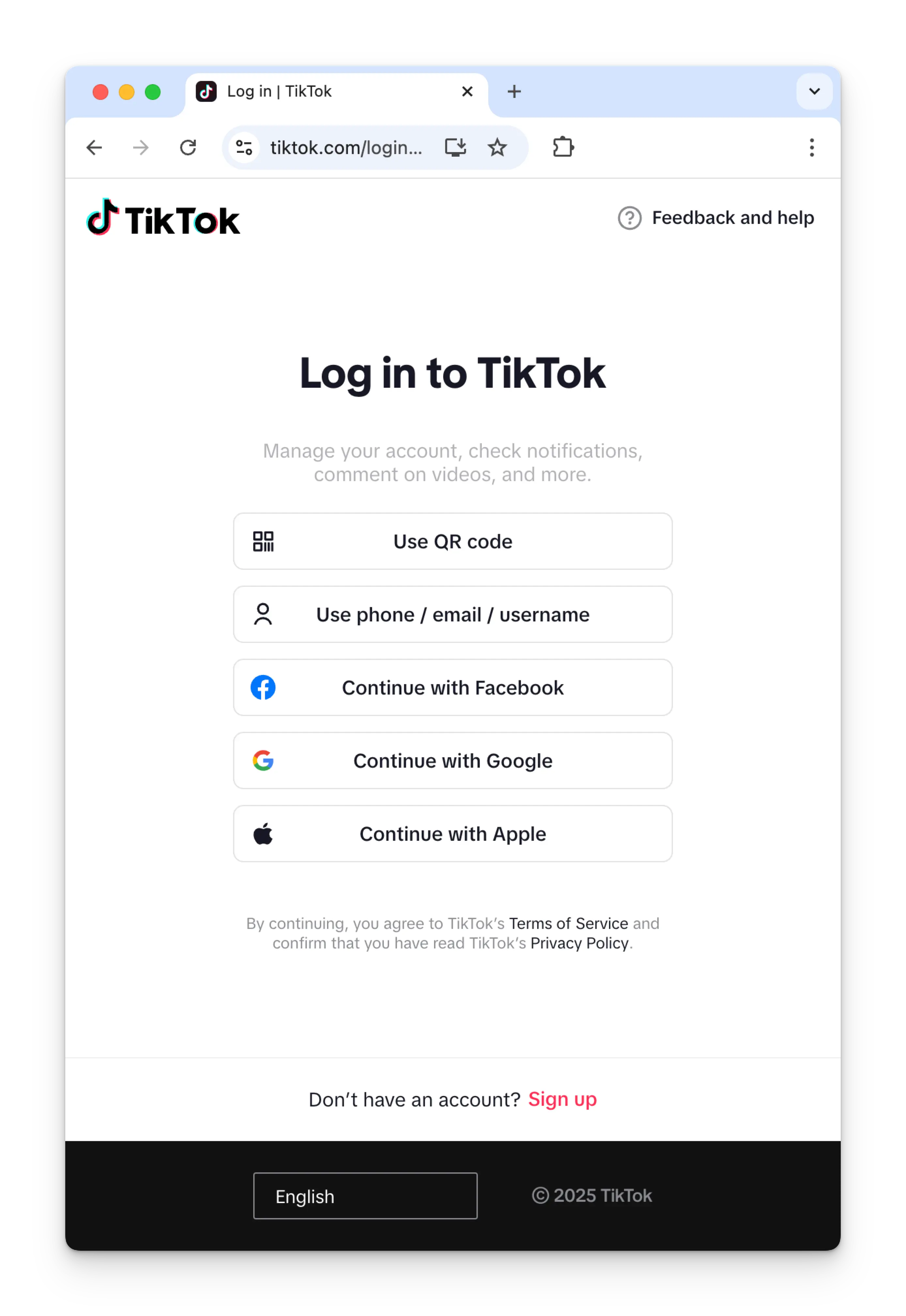
If you're not already logged into TikTok, you'll see the TikTok login page. Enter your credentials to log in to your TikTok account.
If you are already logged in, please proceed to the next step.
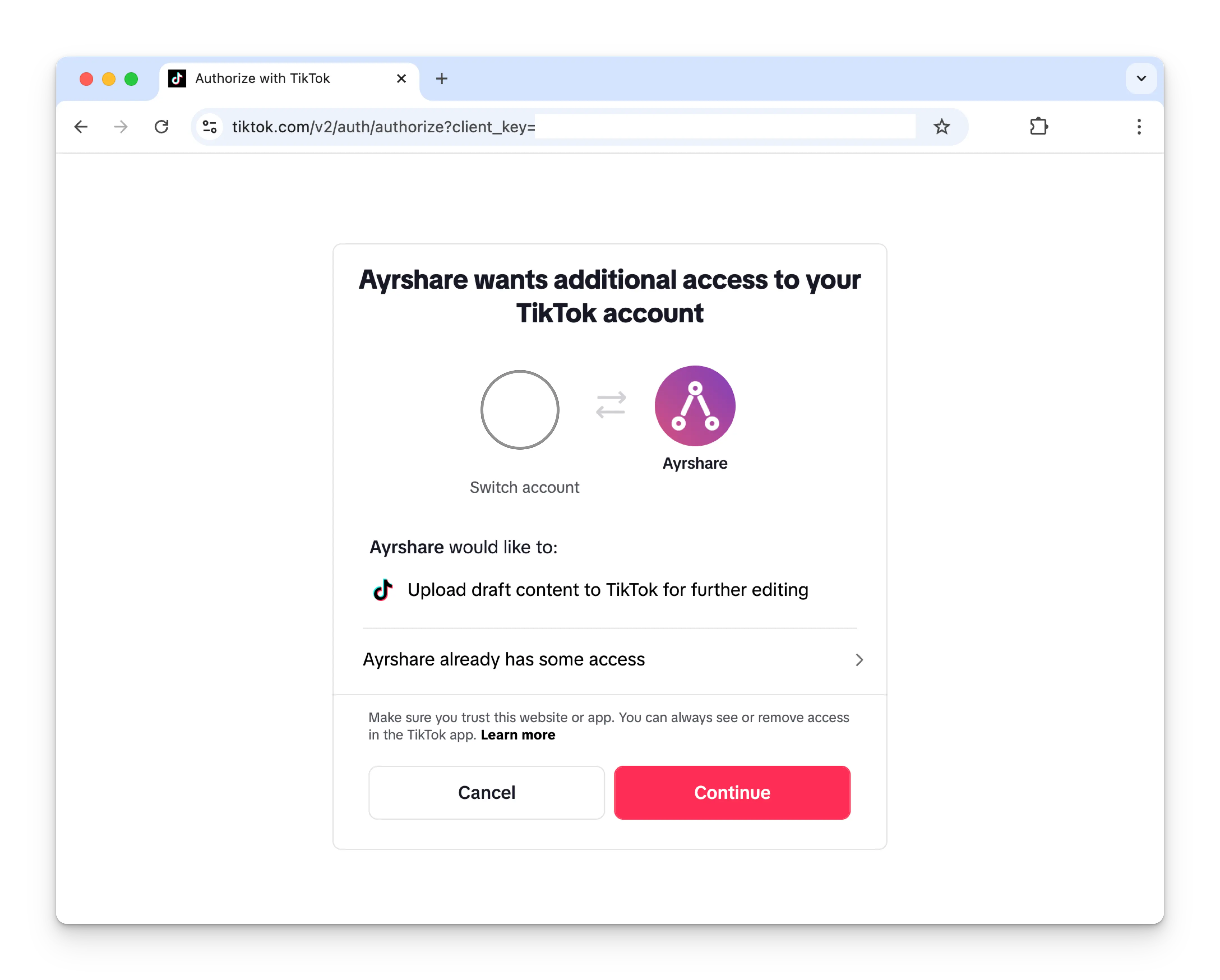
Click Continue to allow ACME to connect to your TikTok account.
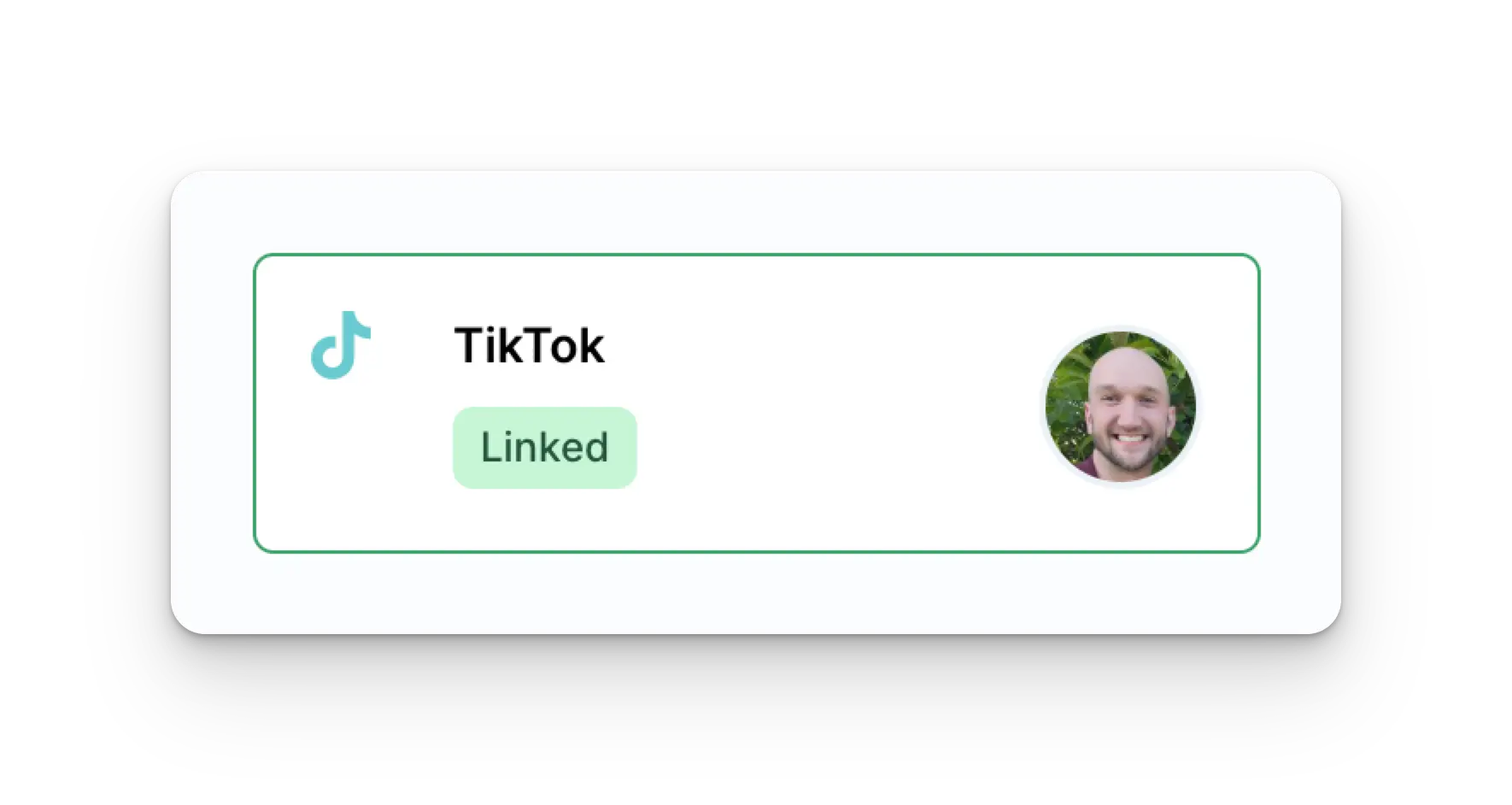
Your Social Accounts page will now be updated with your TikTok account.
TikTok Link Expiration
TikTok must be re-linked every 365 days. Please see the user endpoint for getting the refresh required date and days remaining.
Troubleshooting TikTok
If you're having issues with Tiktok, please see the troubleshooting guide.
Additional TikTok Information
- Please see here for details on posting to TikTok, getting analytics, managing comments, or retrieving history.
- For more information on recommended image sizes, please see: