
X Linking
Authorizing X with ACME
How to Link X (Twitter) with ACME
You can link X, fomerly known as Twitter, account with ACME. When authorizing X with ACME, you will be redirected to X to login and authorize ACME to access your X account.
1
ACME Social Accounts PageClick X/Twitter - Click to Link button on the Social Accounts page.

2
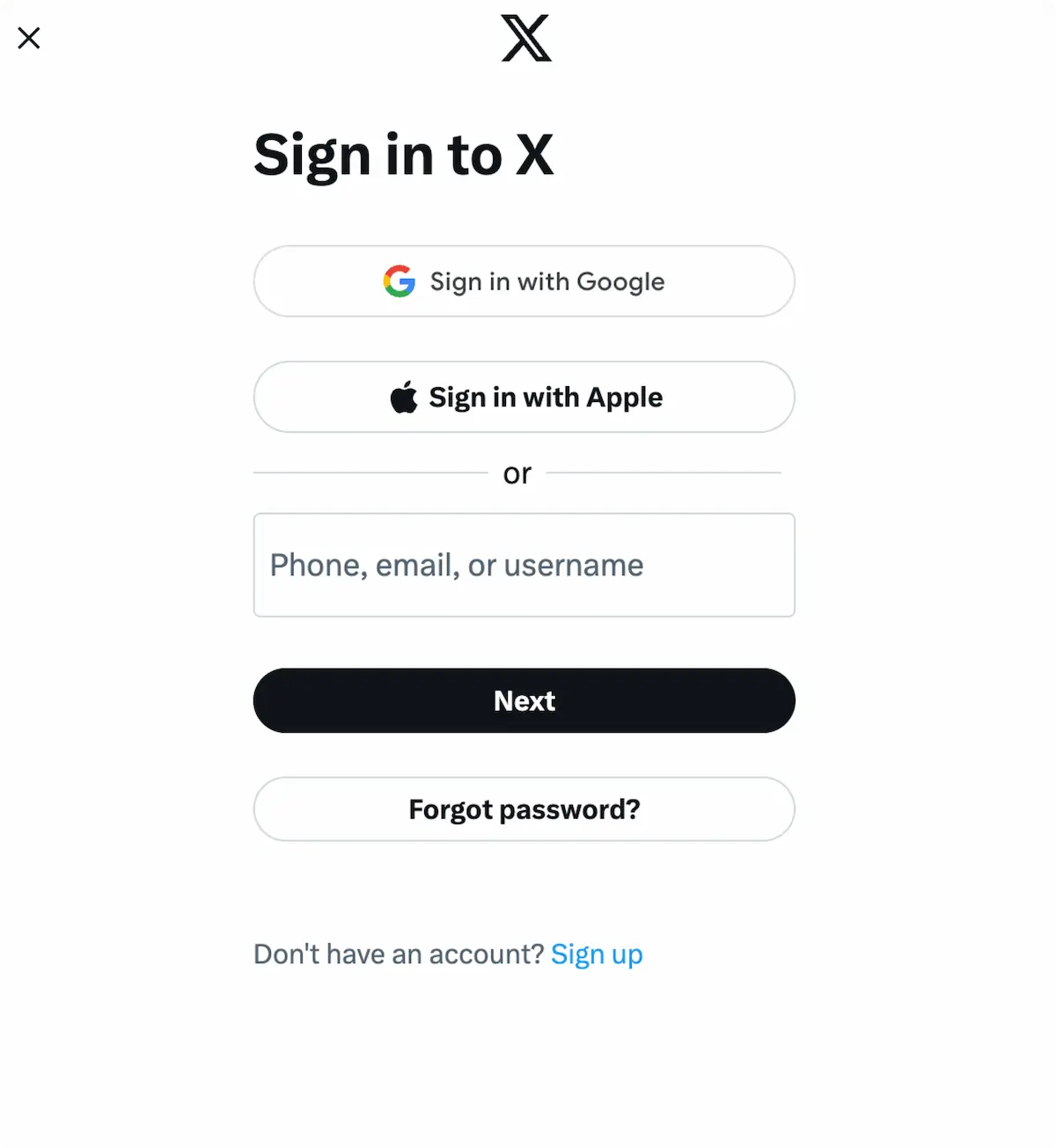
First Time X LinkingWhen you click the X icon on the Social Accounts page, an X sign-in will pop-up - please be sure you allow pop-ups. If you are already logged in, please proceed to the following step.
Click Sign In, follow the instructions, and input relevant login credentials.
3
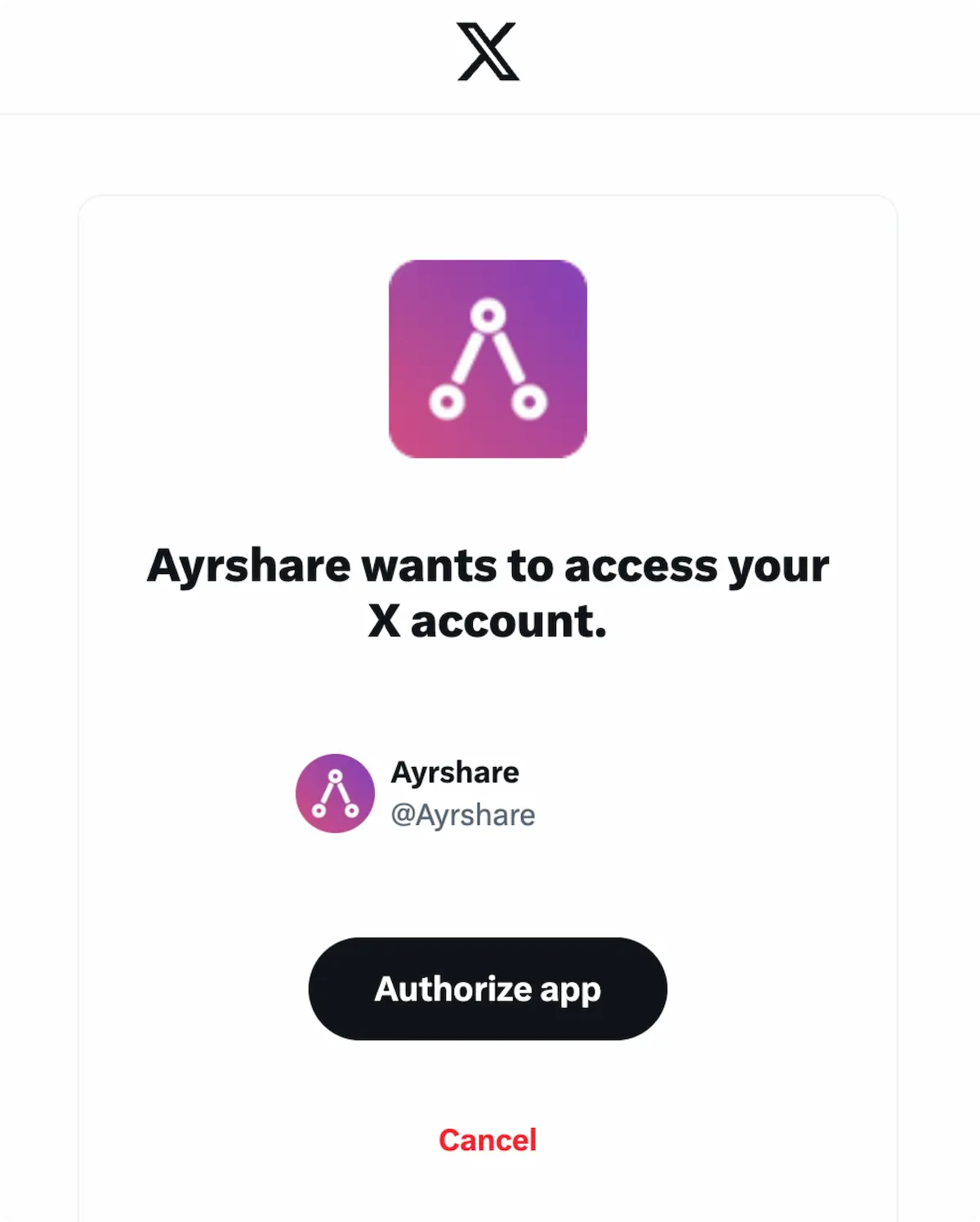
Authorize AccessIf you have already signed in, click Authorize app on the pop-up.
This will authorize ACME to access your X account.
4
ConfirmationYour Social Accounts page will now be updated with your X account.

Additional X Information
- Please see here for details on posting to X, getting analytics, managing comments, or retrieving history.
- For more information on recommended image sizes, please see: